Building Slumba: SwiftUI on every Apple device
April 17, 2026 · Ian Goudie
Slumba is a sleep sounds app that ships natively on iPhone, iPad, Mac, Apple TV, and Apple Watch. It's built entirely in SwiftUI with zero third-party dependencies. One in-app purchase unlocks everything across all five platforms via StoreKit 2 and Family Sharing.
This post covers the technical decisions that shaped the app: how the audio engine works, why it sounds better than a naive loop, how one SwiftUI codebase adapts to five wildly different form factors, and where Apple's frameworks did the heavy lifting.
The problem with looping audio
Most sleep sound apps load an audio file and loop it. The problem is obvious after a few minutes: your brain catches the seam where the loop restarts. A rainstorm suddenly resets. Thunder claps repeat in the same sequence. The illusion breaks.
Slumba solves this with a dual-player architecture. Each sound layer runs two instances of AVAudioPlayer simultaneously, staggered in time. When one player approaches the end of its loop, the second player has already started its own pass at a randomized offset. Per-loop jitter varies the stagger timing so no two cycles align the same way.
The result: you can listen for hours and never catch the restart point. The audio feels continuous rather than cyclical.
Three layers per preset
Each of Slumba's five presets blends three independently-adjustable sound layers. Storm, for example, layers heavy rain, gale-force wind, and rolling thunder. Each layer has its own volume slider, and each runs its own dual-player pair.
That's six AVAudioPlayer instances per preset (three layers, two players each), all coordinated to start, stop, and fade in sync. The audio session is configured for background playback and mixes with other audio sources, so Slumba keeps playing when you lock your phone or switch apps.
SwiftUI across five platforms
Slumba targets iOS, iPadOS, macOS, tvOS, and watchOS from a single Xcode project. SwiftUI makes this possible, but "write once, run anywhere" is misleading. Each platform has different interaction patterns, screen sizes, and capabilities.
The core audio engine and preset data model are fully shared. The UI layer branches by platform where it needs to. A few examples:
- Apple TV uses focus-based navigation. The mixer controls adapt to the Siri Remote's directional input, and the Top Shelf extension shows the five presets as large banners.
- Apple Watch runs a standalone app with its own audio session. The Digital Crown adjusts volume. The UI is stripped to essentials: preset picker, play/pause, sleep timer.
- Mac lives in the menu bar. A popover gives quick access to presets and the mixer without opening a full window. It respects system audio output routing.
- iPhone and iPad share most of their UI, with iPad taking advantage of the wider canvas for the mixer layout.
Conditional compilation (#if os(tvOS), #if os(watchOS)) handles the divergence points. The goal was to avoid platform-specific targets entirely and keep one SwiftUI view hierarchy that adapts.
Deep Apple integration
One of Slumba's design principles is to integrate with as many Apple frameworks as possible rather than reinventing functionality inside the app. Here's what that looks like in practice:
- Focus Filters let users configure which preset plays when a specific Focus mode activates. Set "Storm" for your Sleep Focus and it's ready every night without opening the app.
- Live Activities show the active preset and remaining sleep timer on the Lock Screen and Dynamic Island.
- App Intents and Shortcuts expose every action (play, pause, set preset, set timer) to Siri and the Shortcuts app. "Hey Siri, play Ocean on Slumba" works out of the box.
- Widgets on the Home Screen and Lock Screen provide one-tap playback for favorite presets.
- StoreKit 2 handles the one-time in-app purchase. A single non-consumable product unlocks the full app on every device signed into the same Apple ID, including Family Sharing support.
Each of these integrations is a small amount of code, but together they make Slumba feel like it belongs on the platform rather than just running on it.
The star field
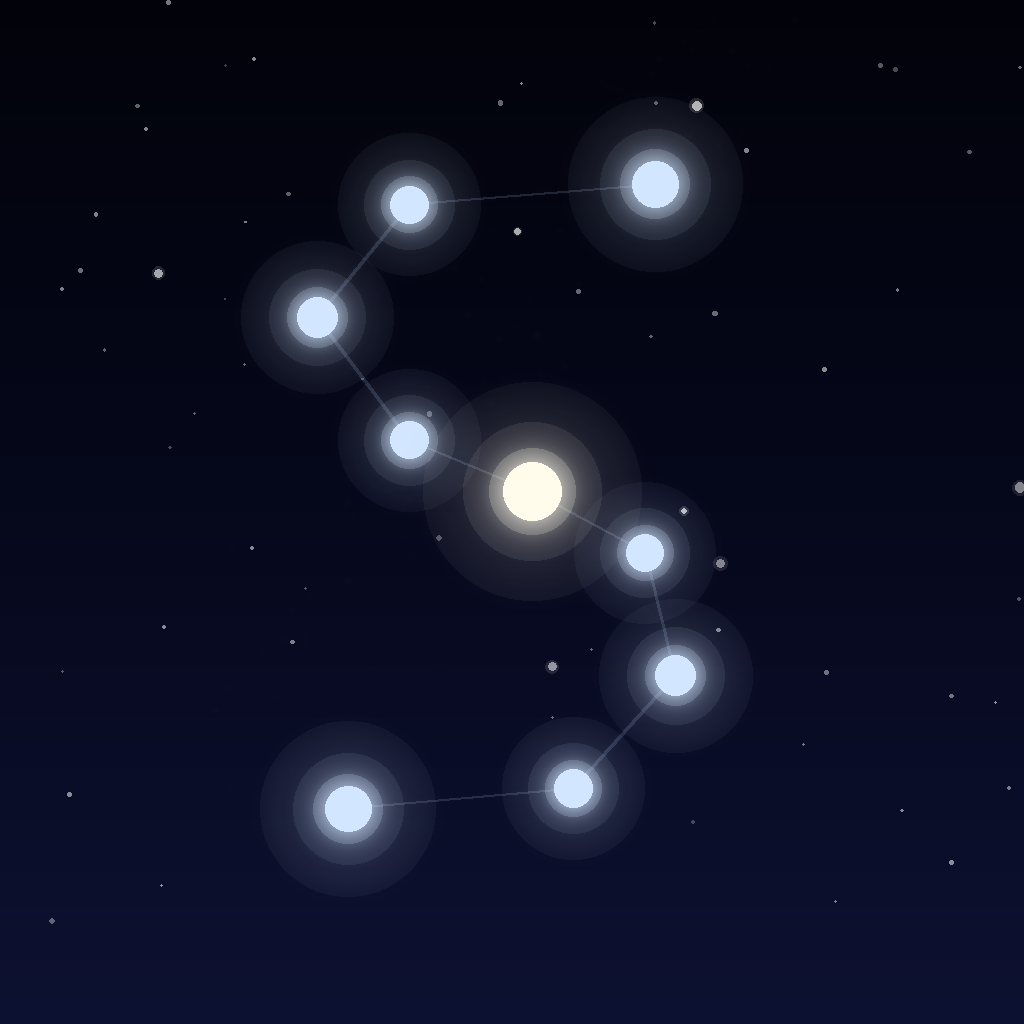
Slumba's ambient display shows a star field that's positioned using real astronomical coordinates. The app requests location access (entirely optional) and uses it to calculate which stars are visible from your position at the current time. The rendering is pure SwiftUI — no SceneKit, no Metal, no third-party astronomy libraries.
This was the most over-engineered feature in the app and also the one that makes people stop and look. Sometimes the right answer to "should I build this?" is "yes, because it's fun."
No third-party dependencies
Slumba has zero external packages. No analytics SDK, no crash reporter, no networking layer, no ad framework. The entire app is Apple frameworks and first-party code.
This isn't a philosophical stance against third-party code. It's a practical decision: every dependency is a maintenance burden, a potential privacy concern, and a binary size cost. For an app that does one thing well and runs on five platforms, the dependency surface area should be zero.
The tradeoff is real — no crash reporting means relying on App Store Connect's crash logs, which are delayed and incomplete. But for a solo developer shipping a focused utility app, the simplicity is worth it.
What I'd do differently
The audio engine would benefit from AVAudioEngine instead of AVAudioPlayer. AVAudioEngine gives finer control over mixing, crossfading, and real-time audio processing. I started with AVAudioPlayer because it was simpler to get working across all five platforms, and by the time I wanted more control, the dual-player stagger approach was already working well enough to ship.
The SwiftUI conditional compilation approach works but gets noisy as the platform count grows. A cleaner architecture would use protocol-based platform adapters that hide the #if os() blocks behind a single interface.
Try it
Slumba is free to download on the App Store. A one-time $2.99 in-app purchase unlocks all five presets on every Apple device. No subscription, no tracking, no ads.
If you have questions about the architecture or want to talk shop, reach out at ian.goudie@gmail.com.